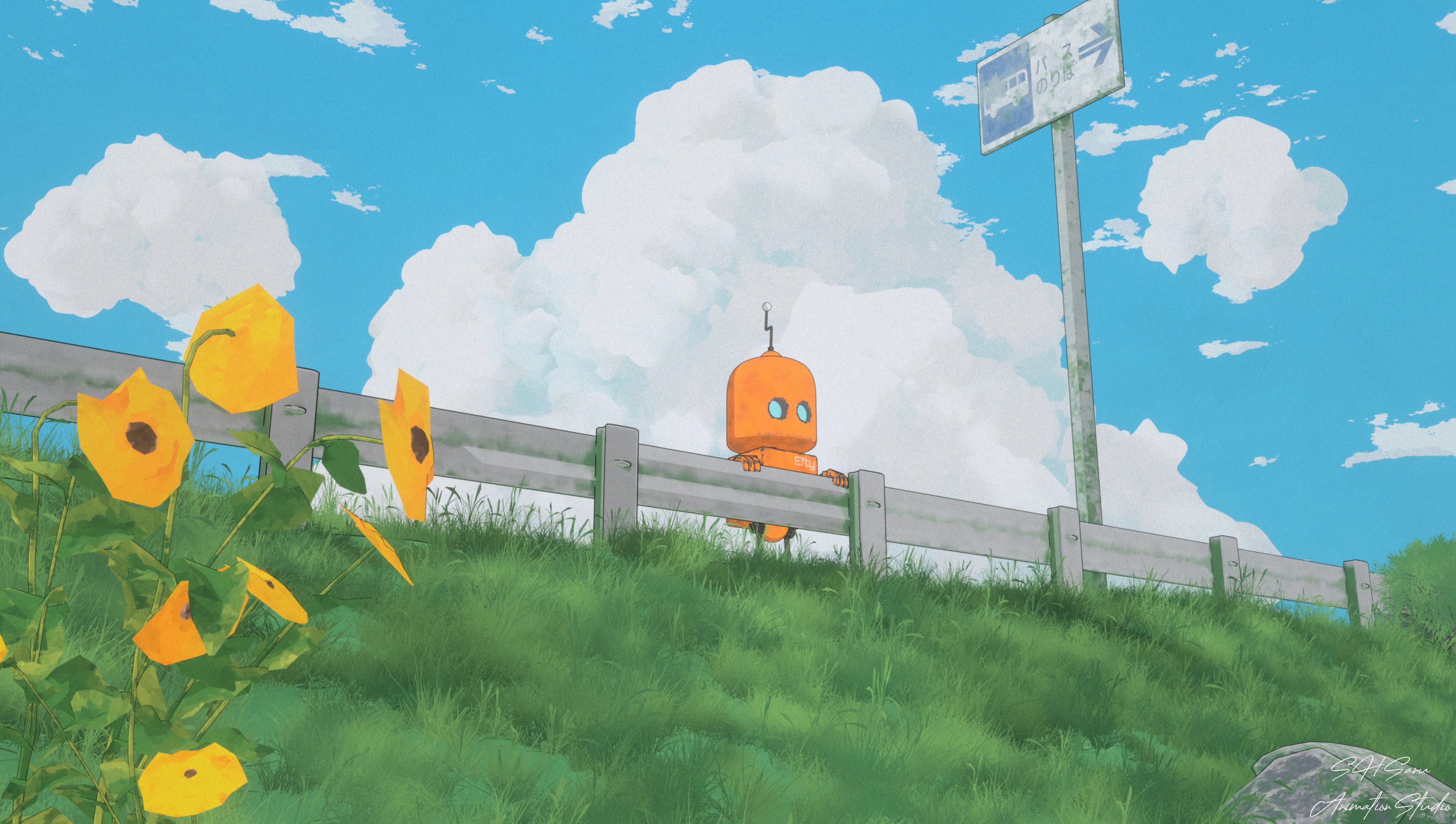
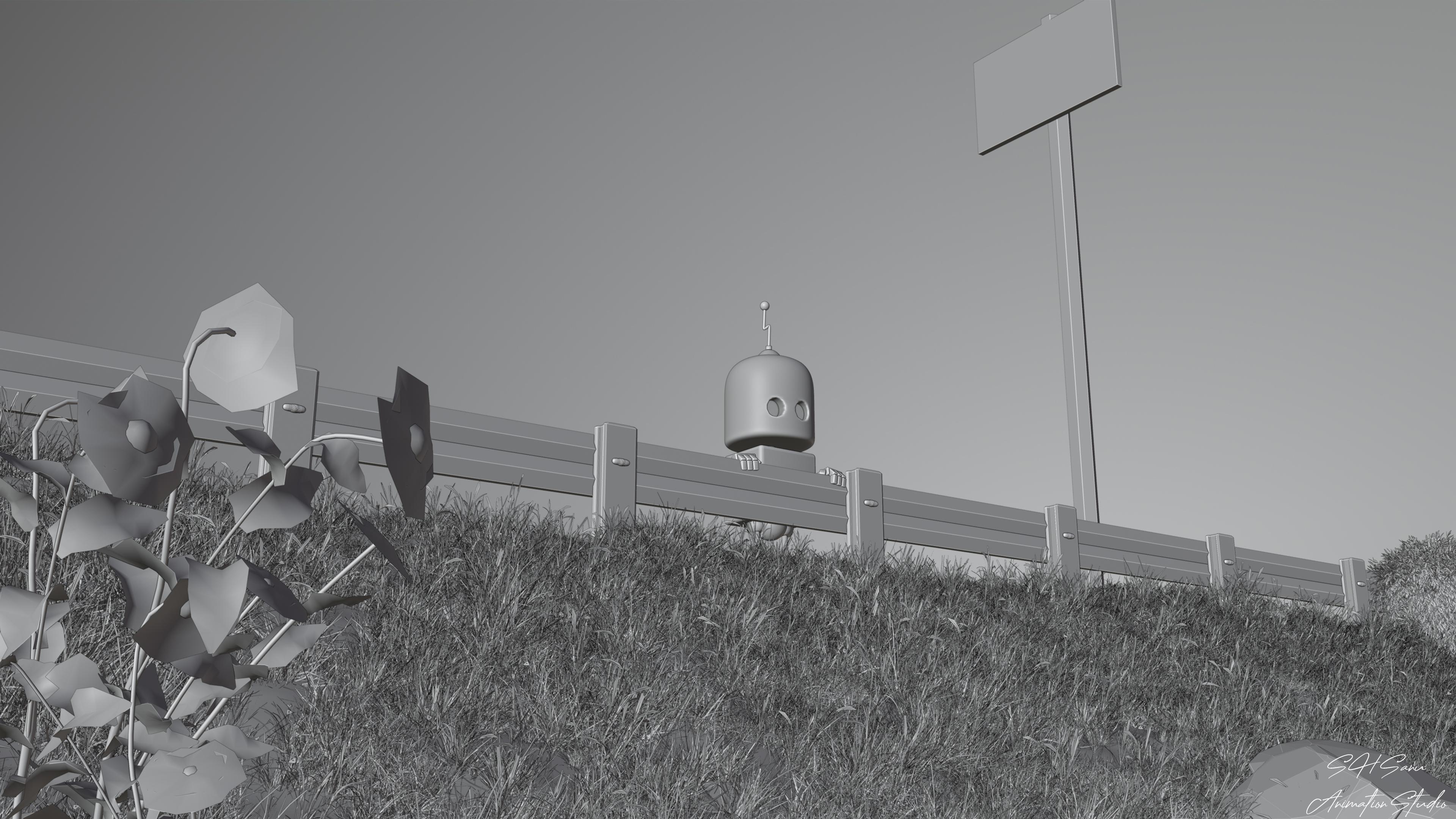
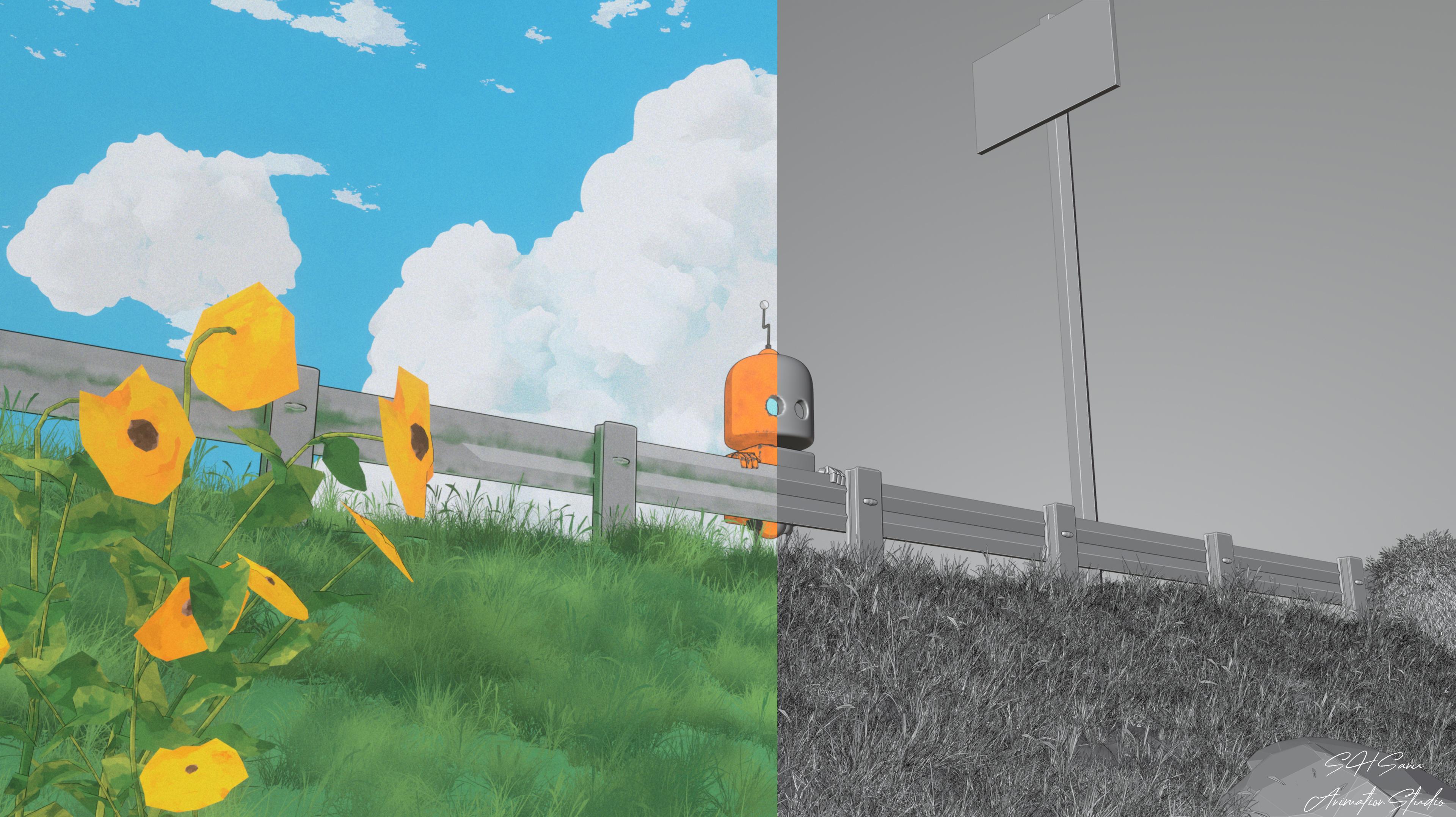
Right after wrapping up the "Bus Stand" project, I wasn't ready to stop. That first test gave me a taste of how close I could get to the anime look I'd been chasing for years, and I wanted to push it further — this time focusing specifically on grass and cloud texturing, two of the hardest things to fake convincingly in a 3D anime style.
This piece, like the last one, lives in the same RND folder on my PC, kept purely for testing and learning.
Meet Efty
The scene centers around a small orange robot — I named him Efty — peeking over a wooden fence on a grassy hillside, sunflowers swaying beside him, a bus stop sign visible in the distance behind. There's no big story here, no dramatic moment. He's simply paused, taking in the view — the open sky, the clouds, the grass stretching out in front of him.
I wanted the character to feel small against the scene — dwarfed by the clouds, the open sky, and the tall grass — so the focus naturally drifts toward the environment itself.
The Real Challenge: Grass and Clouds
This test wasn't really about Efty. It was about everything around him.
Anime backgrounds have a very particular way of rendering grass — painterly, slightly stylized, never photorealistic — and getting that to hold up in a full 3D scene is tricky. The same goes for clouds: that soft, puffy, almost hand-painted volume you see in anime skies doesn't come naturally out of a 3D renderer. Both needed a lot of back-and-forth between Blender and Photoshop to land somewhere close to that hand-drawn feeling.
Why This Project Matters
Each of these test pieces builds on the last. "Bus Stand" proved the core idea could work. This one was about refining the details — the textures, the atmosphere, the little things that make a scene feel alive instead of just rendered.
Slowly, piece by piece, I'm getting closer to the anime-in-3D style I set out to create when I first opened Blender years ago.
This project was built using Blender for modeling, environment, and rendering, Substance Painter for texturing, Photoshop for final compositing touches, and DaVinci Resolve for color grading.